What you will create
- A local Weibo archive on your computer
- Backup tasks that can pause and resume
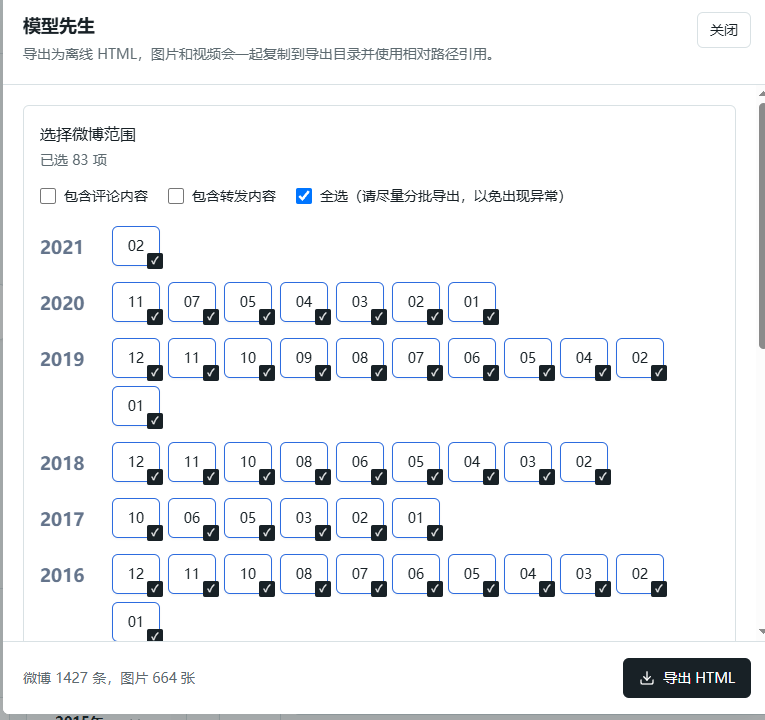
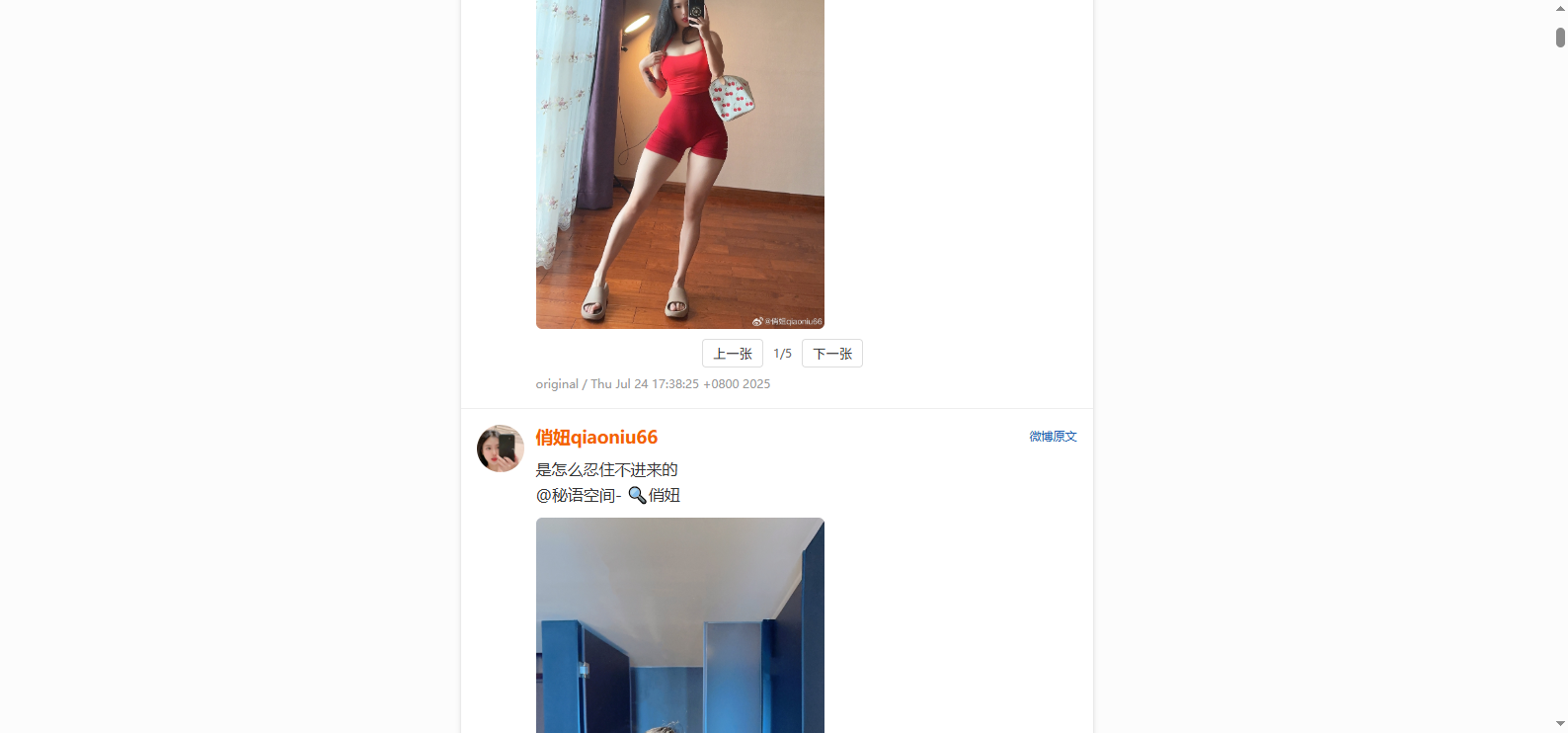
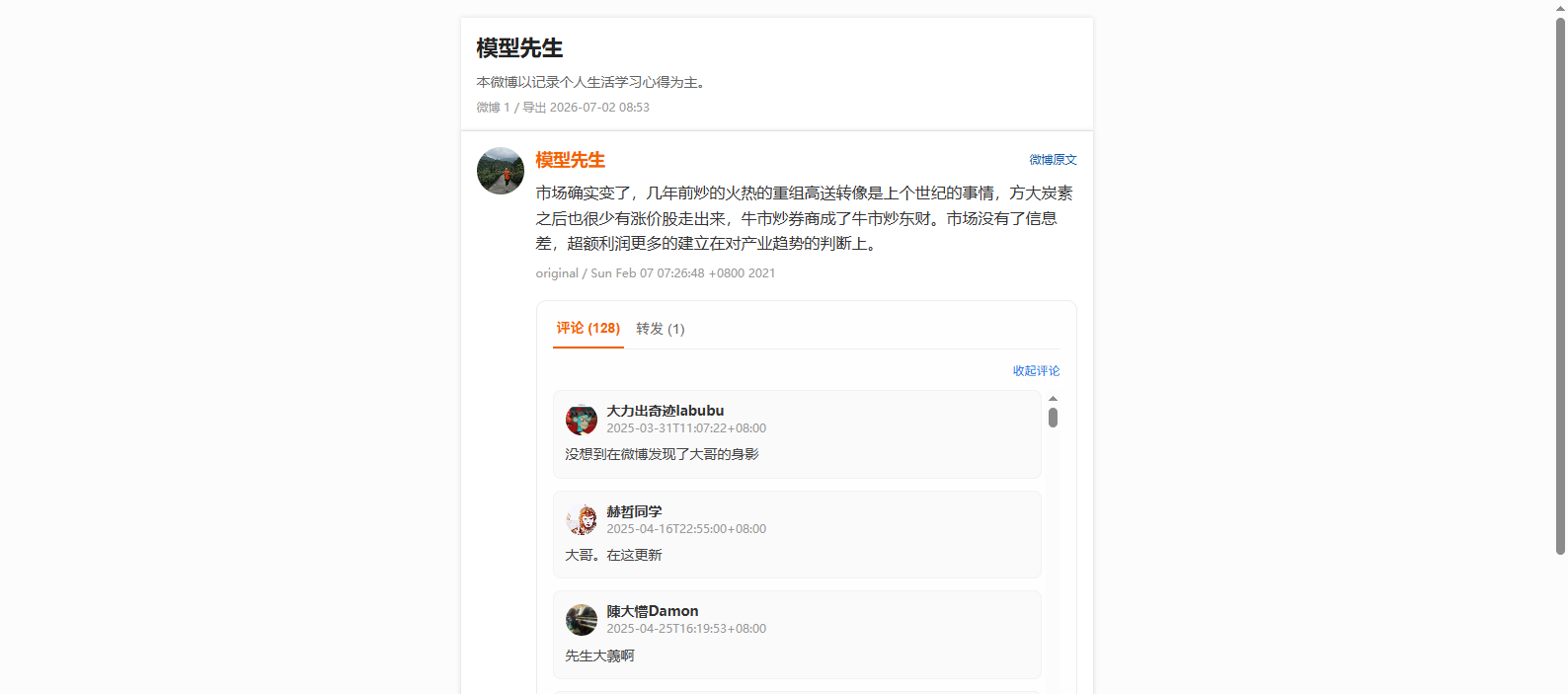
- Offline HTML or PDF exports
Your archive stays local
Weibo login state, archive content, and media files are stored on your computer by default and are not automatically uploaded to WeiboVault servers. Activation, update checks, and installer downloads access ByteFuse services.
Step-by-step guide
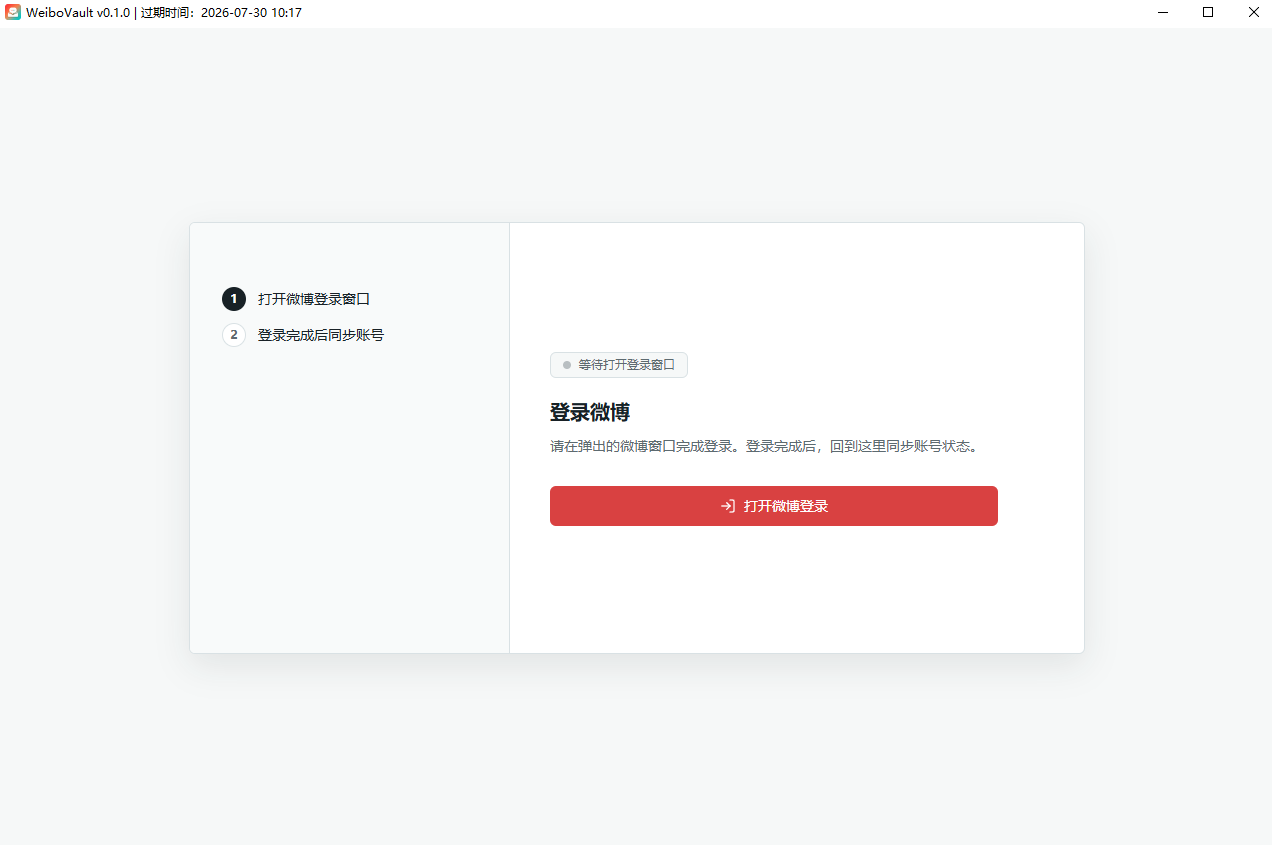
1. Sign in to Weibo
When you first open WeiboVault, sign in to Weibo inside the app window. The app uses that session to access content your account is allowed to view.
2. Create a backup task
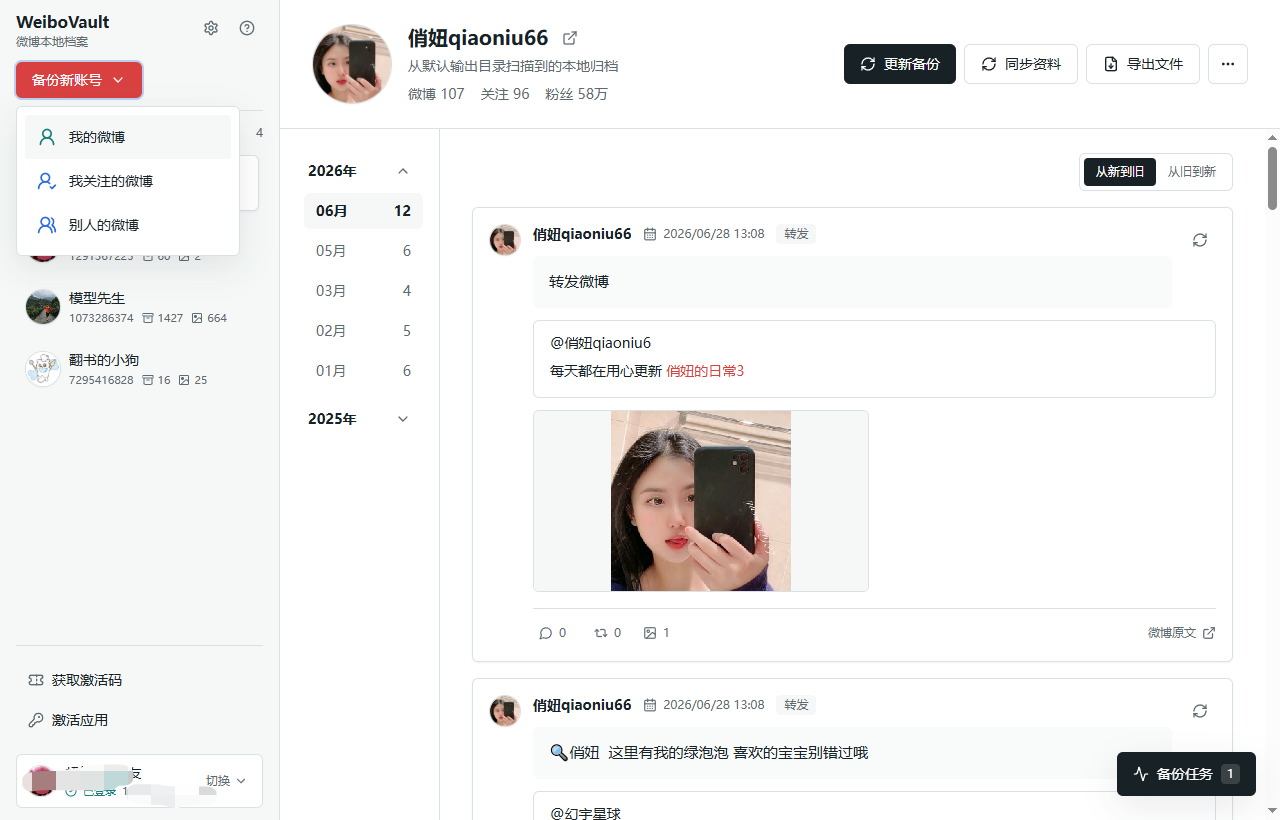
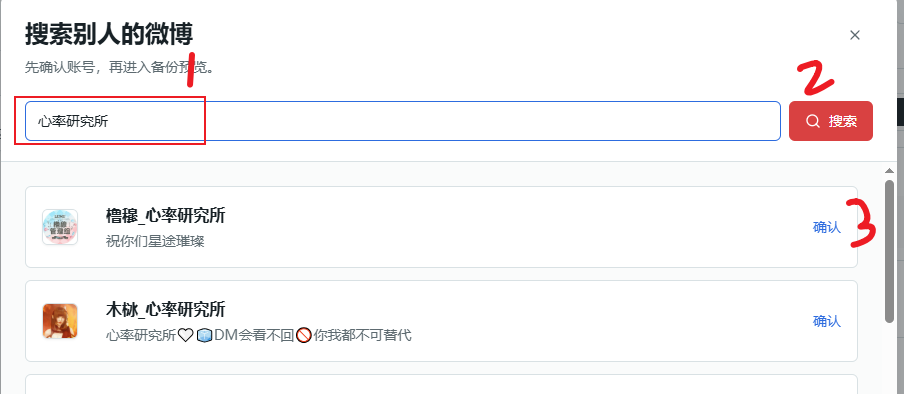
Select your own account, an account you follow, or search for another public account. Verify the profile photo and name before starting.
3. Choose the backup scope
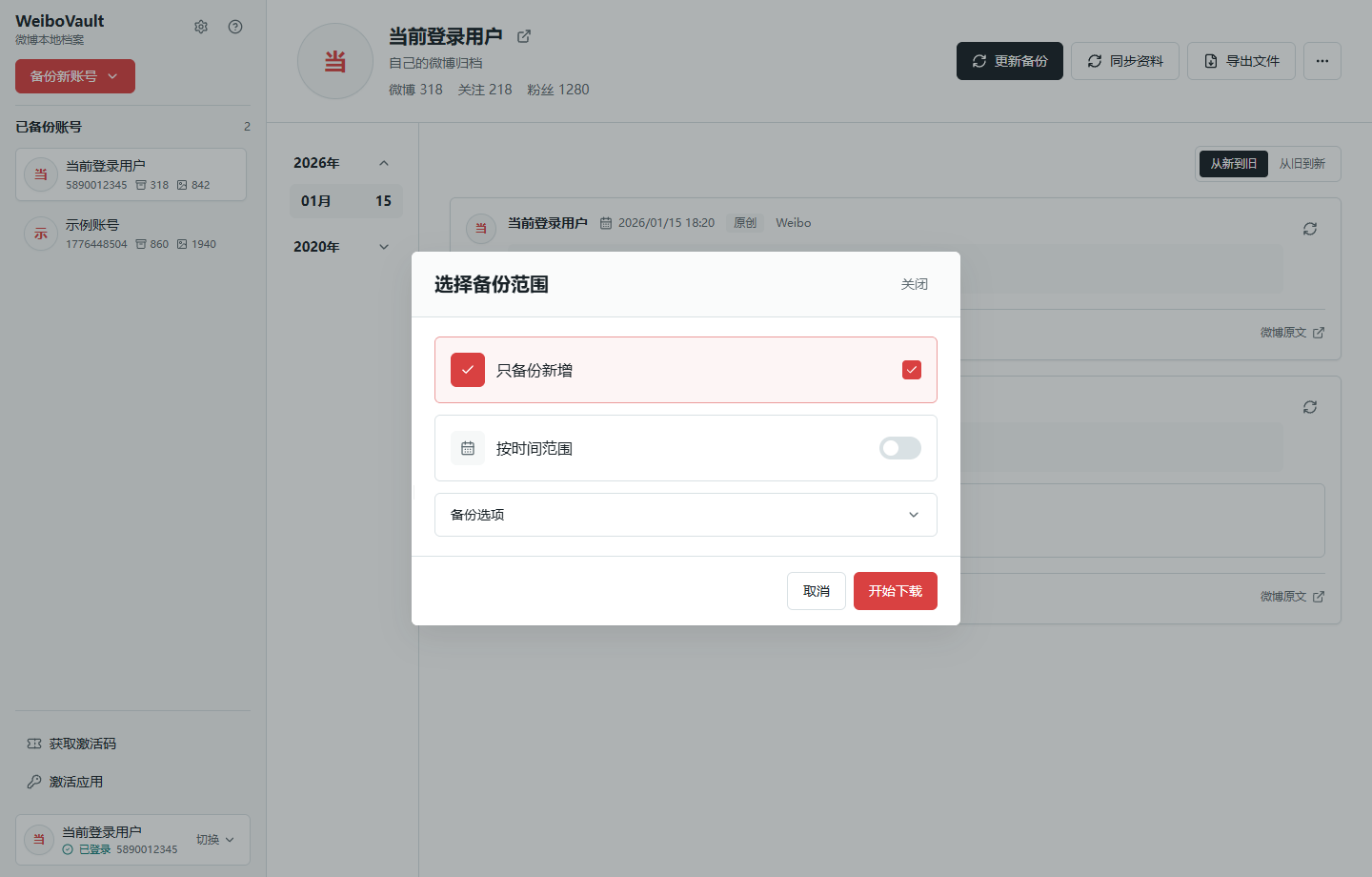
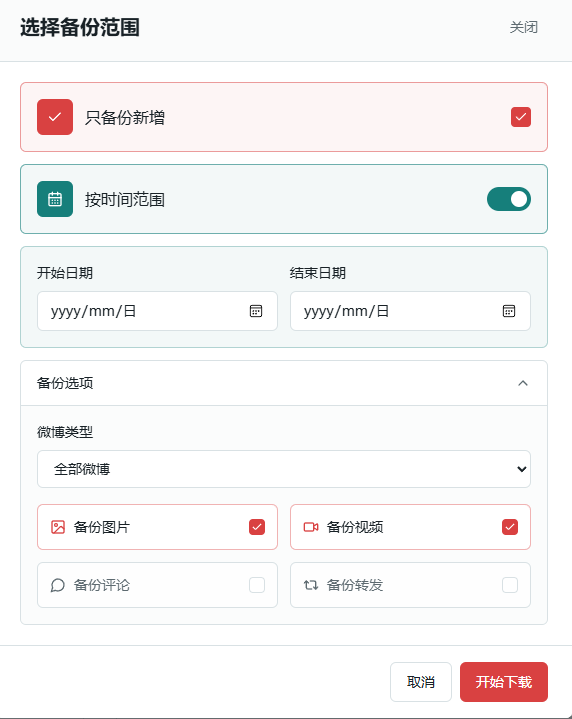
Choose a date range and whether to include images, videos, comments, and reposts. Large comment or repost collections take longer and may encounter Weibo access limits.
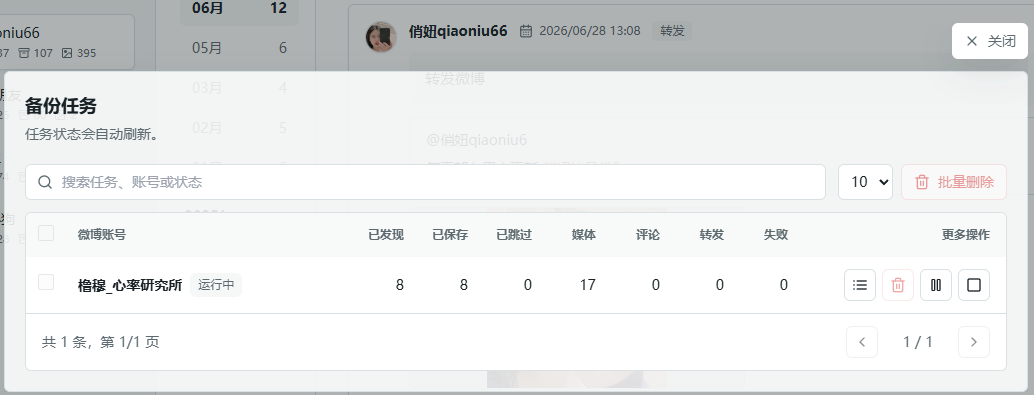
4. Run and monitor the backup
Start the task and monitor its progress. You can continue from the recorded checkpoint after pausing, a network error, or closing the app.
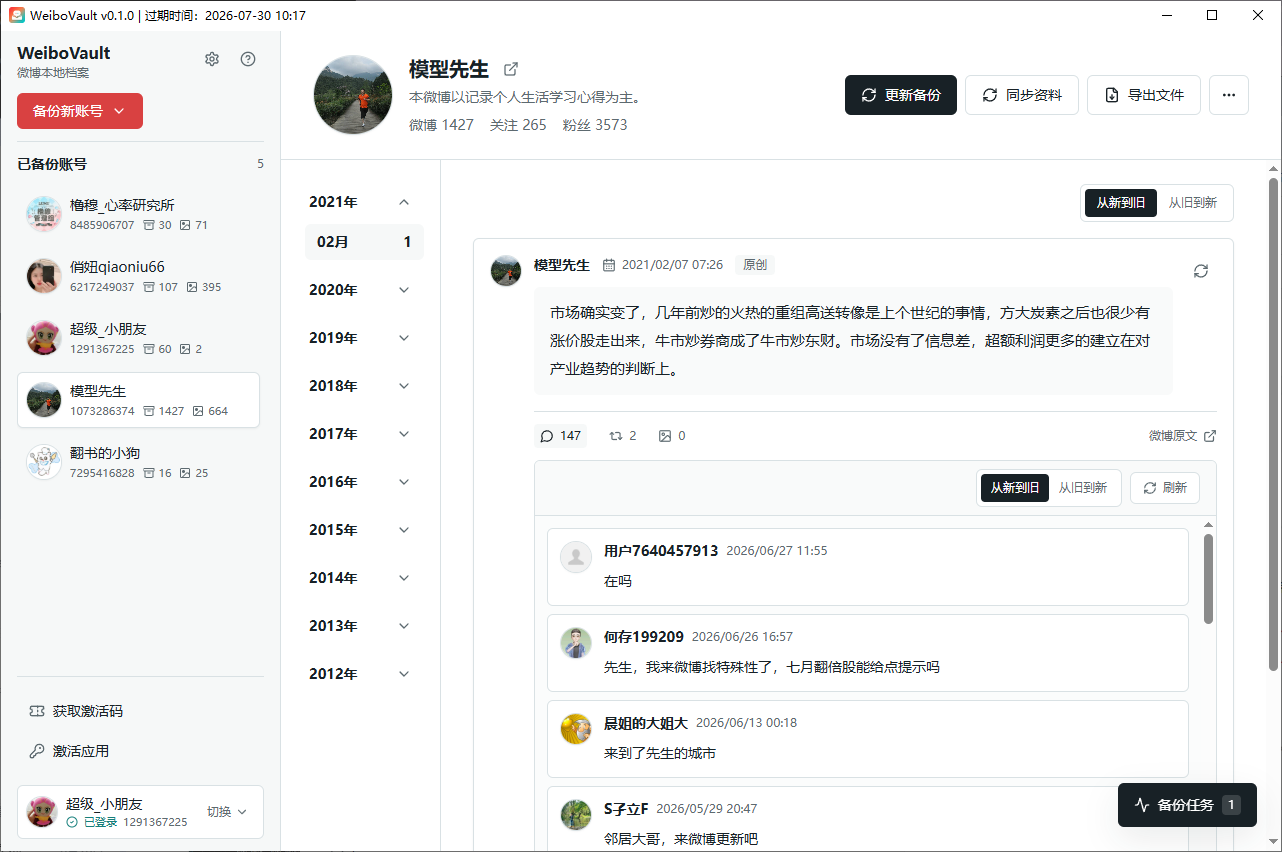
5. Browse the local archive
Browse saved posts, images, videos, comments, and reposts inside the app. You can keep a separate copy of the archive folder and import it again on another computer.

6. Export HTML or PDF
HTML preserves images and videos for offline browsing. PDF works well for printing, sharing, and static snapshots. Open index.html in the exported folder with any browser.